Your orders
Find requests and files in your professional account.
 Tuning
Orders, files, tickets and notifications: keep working seamlessly between your workshop computer and phone.
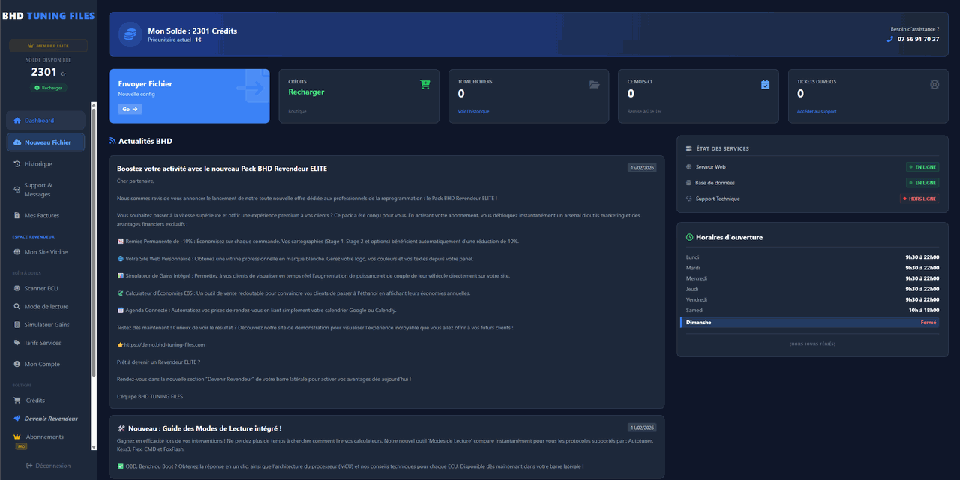
Open the ticket to find the latest version.
The BHD platform is an installable web app (PWA). Add it to your desktop or home screen using a compatible browser on Windows, macOS, iOS or Android. Notifications depend on system compatibility and permissions.
Try this guided demo. It uploads no file and creates no real order.
✓ original_ecu.bin added
Download the modified file, write it with your tool and test the vehicle.
.bin / BHDFind requests and files in your professional account.
Keep project details, questions and feedback in one place.
Get file, reply and promotion notifications according to your settings.
Use the ECU ID to identify its model and OBD, Bench or Boot reading modes. Then verify exact tool compatibility.
Slave file decryption and re-encryption use the platform’s AutoTuner integration.
Keep your balance, requests, files and project tickets in one professional workspace.
Open the platform in a compatible browser, use Share and Add to Home Screen, then confirm.
Open the platform in a compatible browser and choose Install app or Add to Home Screen.
Open the platform in a browser supporting web app installation, then use Install in its menu or address bar.
Open your workspace and access your projects from a compatible browser.